Resolve licensing errors
If you're experiencing licensing errors with a Chaos product, follow these steps to resolve the issue:
- Uninstall the Chaos License Server.
2. Delete the files located in folder %appdata%\Chaos\VRLService\SSL
3. Install the latest Chaos license server version, you can download it from here
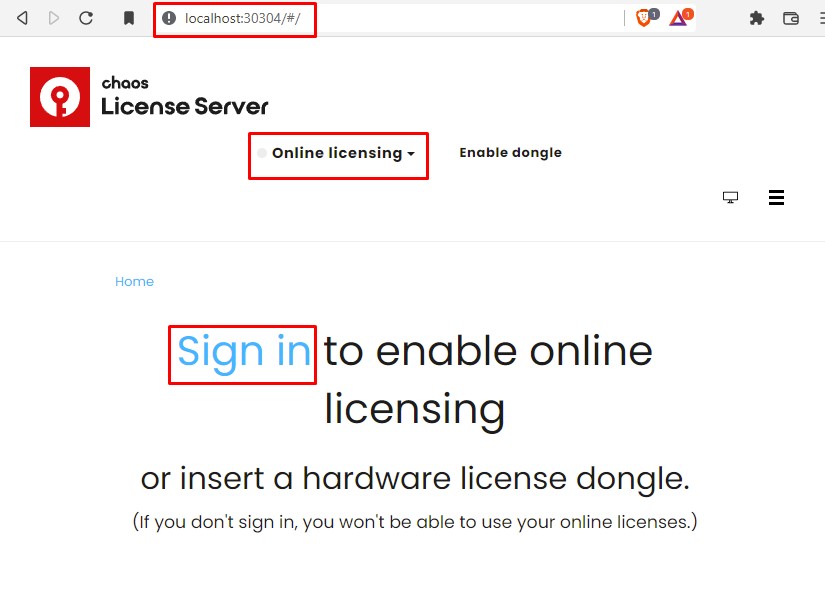
4. Open your web browser and make sure that you are logged in to http://localhost:30304 with the account that is associated with your purchase/trial